
KWFinder by Mangools Review 2026: Find Keywords You Can Actually Rank For | SkillQuesters
KWFinder by Mangools Review 2026: Find Keywords You Can Actually Rank For Every blogger has lived this moment: you write a great article, publish it, and it sits on page…
KWFinder by Mangools Review 2026: Find Keywords You Can Actually Rank For
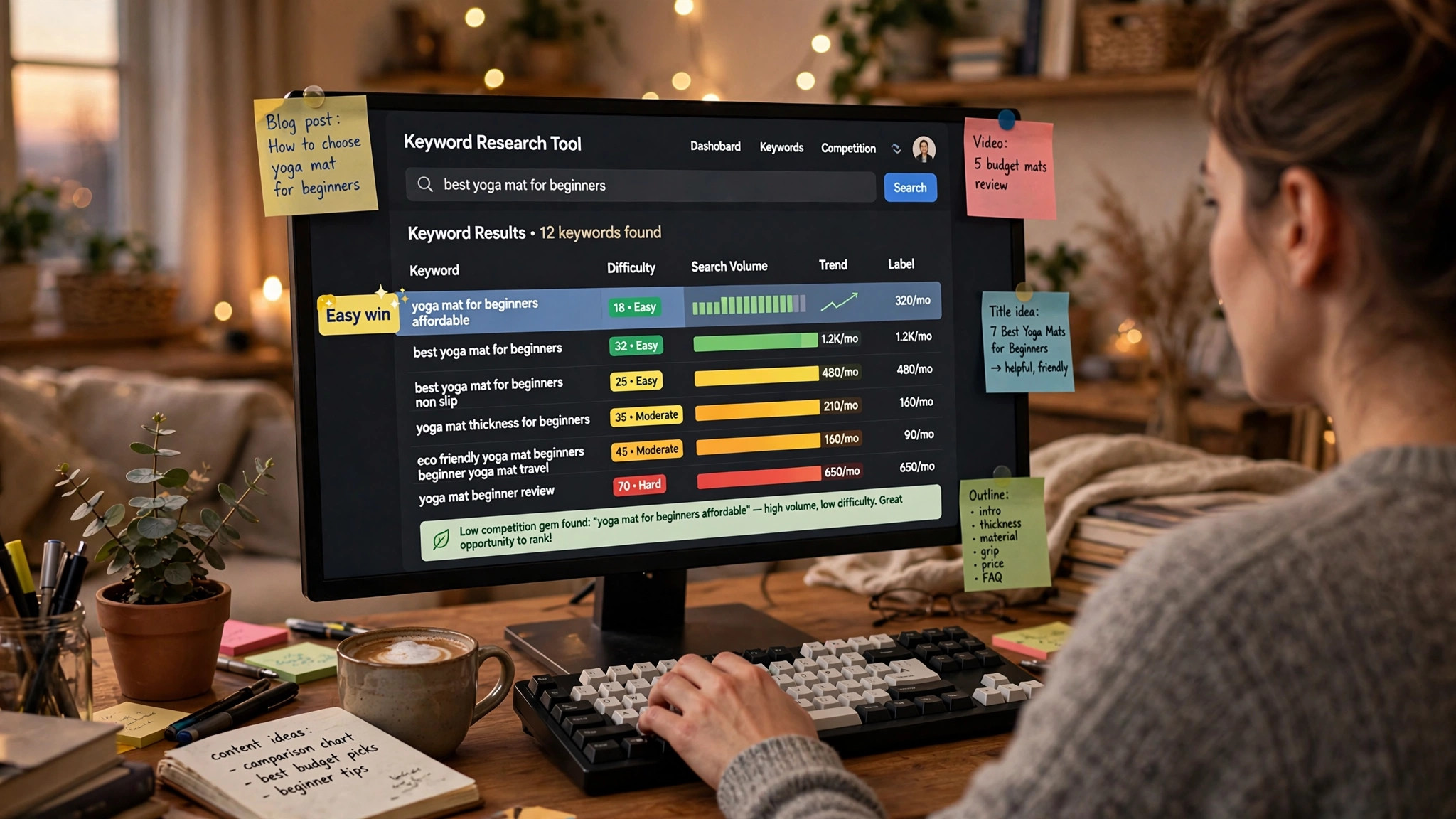
Every blogger has lived this moment: you write a great article, publish it, and it sits on page nine of Google forever. Usually the problem is not the writing — it is the keyword. You aimed at a term dominated by giants. KWFinder exists to prevent exactly that: it is Mangools' keyword research tool, built around one promise — show you keywords you can realistically win, with a difficulty score you can read at a glance.
SkillQuesters contains affiliate links. If you purchase through them, we may earn a commission at no extra cost to you.
What KWFinder actually does
KWFinder has two main ways of working. Search by Keyword: type a seed term and get long-tail suggestions with search volumes, historical trends, and — the headline feature — a Keyword Difficulty score that tells you roughly how hard ranking will be. Search by Domain: enter a competitor's site and see which keywords they rank for, so you can borrow their homework instead of guessing.
It also handles local research unusually well for its price class: 65,000+ locations down to city and district level, with a database Mangools puts at 2.5 billion related keywords. Each keyword comes with a SERP preview so you can see who currently holds the top spots before you commit.
One important structural fact: KWFinder is not sold on its own. It ships as one of five tools in the Mangools suite (alongside SERPWatcher, SERPChecker, LinkMiner, and SiteProfiler) under a single subscription. Mangools plans were last checked on the official site on October 7, 2026 — Basic $452.40/year, Premium $632.40/year, Agency $1,172.40/year — but confirm current pricing on the official page before deciding: see current Mangools plans
Who KWFinder is built for
KWFinder fits bloggers, freelancers, and solo marketers who want fast, readable keyword difficulty scoring without enterprise pricing or a week of training. If your SEO workflow is "find 20 winnable keywords this afternoon," this is your tool.
It is not for SEO teams that need deep crawl data, API-scale research, or advertising and content intelligence. If you outgrow "simple and fast," you will eventually need Semrush or Ahrefs — at several times the price.
Honest pros
- Difficulty score you can trust at a glance. The single best reason to use KWFinder: one number that keeps you from targeting unwinnable keywords.
- Long-tail suggestions with real volume data. Historical trends included, so you can spot rising and dying terms.
- Competitor keyword lookup. See what rivals rank for and find the gaps they left open.
- Local research depth. 65,000+ locations is serious coverage for local businesses and geo-targeted content.
- Clean, fast interface. No 200-tab dashboard; you learn it in an afternoon.
- Suite value. One subscription includes rank tracking (SERPWatcher), SERP analysis, and backlink research (LinkMiner) — our Mangools suite review covers the full set.
Cons — the honest part
- Daily lookup limits on every plan. Even paid plans cap how many keyword lookups you get per day; heavy researchers will feel the ceiling. The free plan gives you 5 lookups per 24 hours — enough to test, not to work.
- Not sold standalone. You pay for all five tools even if you only want KWFinder. Fine if you will use the suite; wasteful if you will not.
- Smaller database than the giants. Long-tail coverage can be thinner in obscure niches compared to Semrush or Ahrefs.
- Fewer power features. Advanced filters and enterprise workflows are intentionally absent — that is the trade for simplicity.
KWFinder vs. guessing
Guessing keywords is free and costs you months. KWFinder's real value is negative: it stops you from writing for keywords you cannot win. The free plan (5 lookups a day, no card required per the official FAQ) is a genuine way to test whether the difficulty scores match your experience, and paid plans carry a 48-hour refund. If the tool saves you from even one doomed article, it has paid for itself.
Check the current plans and try the free lookups: try KWFinder by Mangools
Verdict
KWFinder is the simplest honest answer to "which keywords can my site actually rank for." It will not replace an enterprise SEO platform, and the lookup limits will annoy power users — but for bloggers and freelancers, its difficulty score alone is worth the price of admission. Pair it with the rest of the Mangools suite and you have a complete small-site SEO workflow: get KWFinder with the Mangools suite